


Ever thought about how a wireless work headset might completely change your day at the office? Imagine hearing every word clearly while enjoying a battery that lasts all day.
These headsets do a lot more than just let you answer calls. They help you stay focused even in a busy workspace. With features like noise cancellation and a design that feels soft on your ears, they become a friendly helper during those long meetings or back-to-back calls.
Next, picture how one small device can boost your productivity in ways you never believed possible.
Wireless Work Headset Elevates Office Productivity
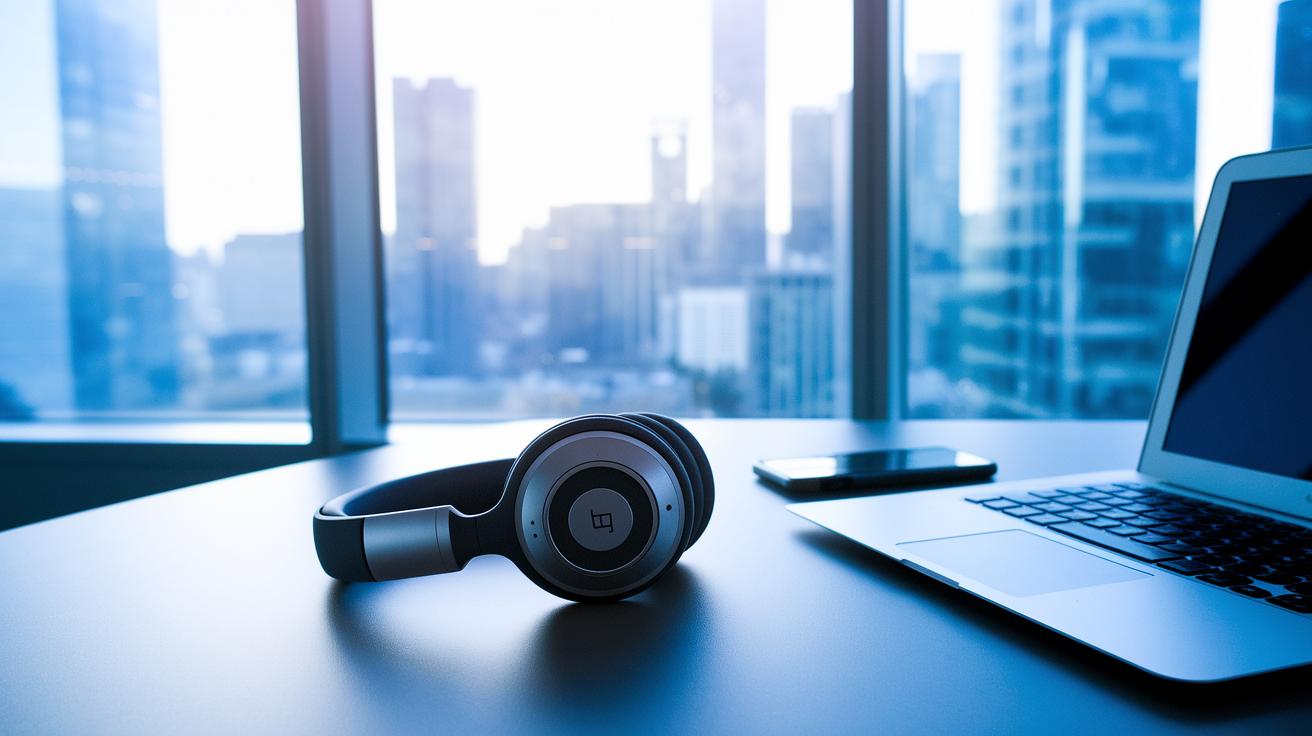
When you’re choosing a wireless work headset, the details really matter. You want rich sound, a mic that picks up your voice clearly, batteries that last, and top-notch noise-cancelling features. Take the Logitech Zone 950, for example, it gives you up to 15 hours of battery life (or even 18 hours when you turn off active noise cancellation) so you can power through long days. On the flip side, the Poly Voyager Focus 2 impresses with 25 hours of talk time.
Active noise cancellation is a must if you need your calls to be crystal clear. The EPOS Impact 1000 uses dual-speaker noise cancellation to cut out background sounds so every word comes through. And yes, the design of the microphone matters too. While boom mics deliver great voice pickup, they might not always match a sleek workspace as well as integrated mics do.
Comfort is key, too. Ultra-light headsets like the Shokz OpenComm2 UC tip the scale at only 1.2 ounces, making them easy to wear all day. Other models, like the Jabra Evolve2 55 at 4.6 ounces or the Focus 2 at 6.2 ounces, balance durability with comfort seamlessly.
Here’s a quick rundown of what to look for:
| Feature | Benefit |
|---|---|
| Battery Endurance | Longer work sessions without frequent recharging |
| Noise-Cancelling | Clear and uninterrupted calls |
| Microphone Design | Accurate voice pickup for meetings |
| Weight & Padding | Comfortable fit during long periods |
Imagine having a headset so comfy and lightweight that you barely notice it, yet it keeps you focused and ready for whatever your day brings. These headsets aren’t just gadgets, they’re like your trusty partner during busy workdays, helping you stay productive and on top of your game.
Wireless Work Headset Models and Price Tiers
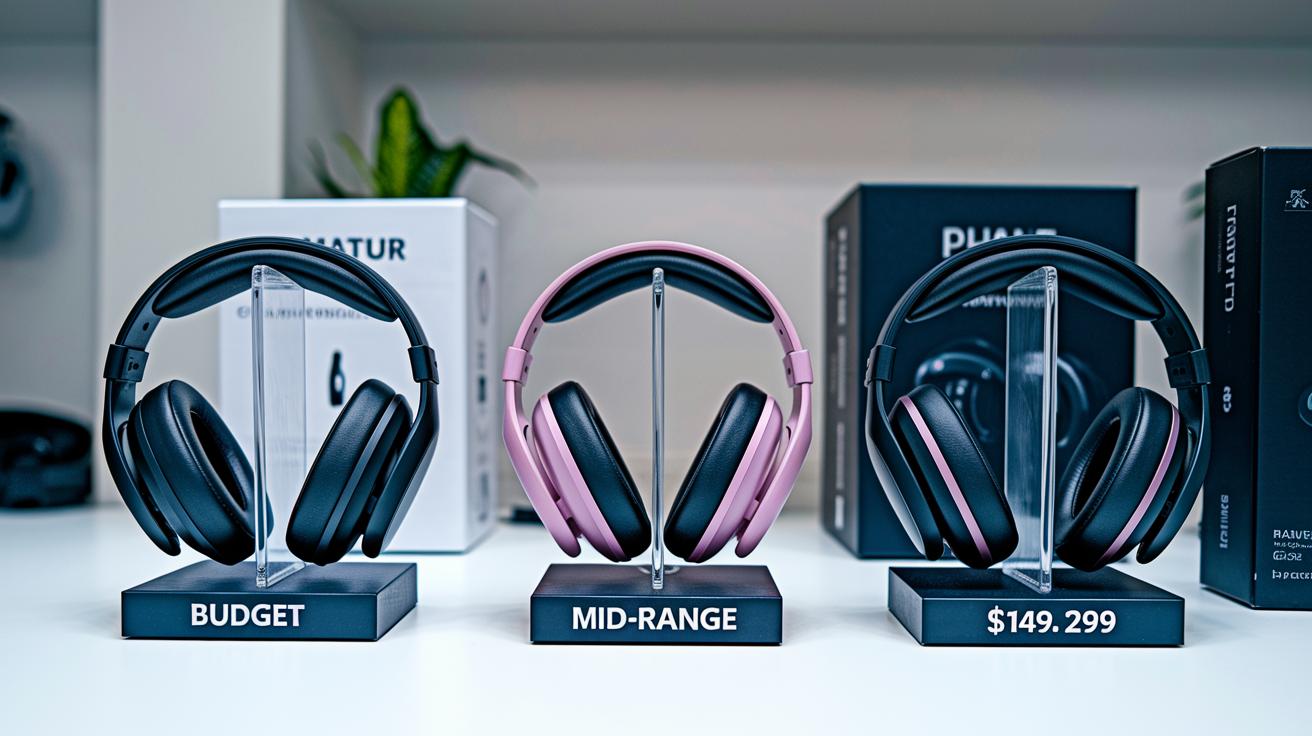
Looking for a headset that fits your work needs without draining your wallet? If your daily calls are light or you’re just starting out, budget models have you covered. Models like the JLab Go Work Gen 2 at $50, Cyber Acoustics HS-2000BT at $70, and Logitech Zone Vibe 100 at $100 pack in core features and a super simple setup. They deliver great call quality and ease of use, making them perfect for everyday light tasks.
For those spending more time on calls, mid-range headsets offer a fantastic mix of comfort, long battery life, and clear voice capture. Options such as the Sony CH-720N at $149, Poly Voyager Focus 2 UC at $186, and Shokz OpenMeet UC at $220 ensure you get enhanced audio and reliable performance, even on those marathon workdays. They’re built to handle the demands of frequent use with a refined build that stands up to your busy schedule.
And if you’re after top-notch performance, premium headsets take things to the next level. With advanced noise cancellation, excellent audio fidelity, and sleek design, models like the Jabra Evolve2 65 Flex at $299, Sony WH-1000XM5 at $398, and Apple AirPods Max at $499 are engineered for those intense work environments. They’re perfect for professionals seeking robust sound quality and a comfortable fit, so you stay productive without compromising on style.
| Model | Price | Battery Life | Connection | Weight |
|---|---|---|---|---|
| JLab Go Work Gen 2 | $50 | 10 hrs | Bluetooth | 5 oz |
| Cyber Acoustics HS-2000BT | $70 | 8 hrs | Bluetooth | 6 oz |
| Logitech Zone Vibe 100 | $100 | 12 hrs | Bluetooth | 7 oz |
| Sony CH-720N | $149 | 15 hrs | Bluetooth | 8 oz |
| Poly Voyager Focus 2 UC | $186 | 25 hrs | Bluetooth | 6.2 oz |
| Shokz OpenMeet UC | $220 | 10 hrs | Bluetooth | 1.2 oz |
| Jabra Evolve2 65 Flex | $299 | 20 hrs | Bluetooth | 9 oz |
| Sony WH-1000XM5 | $398 | 30 hrs | Bluetooth | 10 oz |
| Apple AirPods Max | $499 | 20 hrs | Bluetooth | 13.5 oz |
No matter your workload, there’s a perfect tier for you. Budget headsets suit lighter call volumes, mid-range options are ideal for everyday virtual meetings, and premium models deliver high-performance sound and advanced features for extended work sessions. Enjoy the perfect blend of value, quality, and performance to keep you connected throughout your day.
Selecting a Wireless Work Headset for Your Workspace

Picking the right wireless work headset can really make your workday smoother. If you’re in a busy, open office full of background noise, a headset with active noise cancellation is a lifesaver, it blocks out those pesky distractions. But if you work from a quieter space at home, a lighter headset, like ones with bone-conduction technology, can keep you comfy all day long.
For call centers, where every word matters, headsets with boom mics nail it by capturing your voice clearly. And if you’re more about joining remote meetings or video calls, a headset with an embedded mic offers a sleek, modern look without compromising quality.
Here are a few easy tips to help you decide:
- Think about your environment: Do you need active noise cancellation for a loud office, or is a simpler, passive model enough for your quieter space?
- If you’re making lots of calls, opt for headsets designed for crisp audio and built to last.
- Test different models when you can, flexible return policies make it easy to find your ideal headset.
- For those splitting time between different work setups, choose a headset that easily connects with both your mobile and computer.
The best wireless work headset blends effective noise control, an easy-to-use mic, and super comfort to keep you productive all day.
Connectivity and Device Compatibility for Wireless Work Headsets

When you're picking a wireless work headset, how it connects changes everything. Many models, like the Yealink WH64, mix DECT and Bluetooth to give you flexible, secure links for both your computer and phone. This means your calls stay clear whether you're at your desk or on the go.
Switching between devices is a piece of cake with headsets that support multi-point connections. For example, the Jabra Evolve2 65 Flex lets you connect your computer, smartphone, and even work with apps like Teams or Zoom. It’s like having a smart gadget that flows right with your work and personal calls, keeping your day running smoothly.
Some headsets also offer USB-dongle connectivity, which can provide an extra, stable option with your PC. If you're setting up a wireless workstation, you might want to check out the wireless headset for pc option on divesales.com for a simple guide on choosing between USB dongle setups and native pairing.
By comparing DECT, Bluetooth, and USB methods, you can find the perfect headset that fits your multi-device lifestyle and keeps your communication as smooth as can be.
Best Practices for Battery Management and Maintenance

Keep your headset in great shape by setting up smart charging habits and doing simple upkeep. For example, turning off active noise cancellation can instantly boost your battery life. With the Zone 950, switching off ANC adds three extra hours of use. Give it a try during quieter moments and see how your battery lasts longer without losing clear sound.
Another neat trick is to avoid charging your headset all the way to 100% every time. Instead, plug it in until it’s about 80% full and top it off when you need a little extra. Also, store your headset in a place with a moderate temperature because extreme heat or cold can wear out the battery faster.
Here are some handy tips to keep your battery working its best:
- Update your firmware regularly for smooth performance.
- Use auto-mute during quiet times to save power.
- Follow the manufacturer’s advice on charging cycles and storage methods.
By following these simple steps and treating your wireless headset with care, you'll face fewer interruptions and enjoy steady, reliable performance throughout your busy day. Happy listening!
Final Words
In the action, this article walked you through choosing a wireless work headset that fits your workspace. We covered key features like sound quality, mic design, battery life, and comfort. You learned about various price tiers, from budget-friendly to premium setups, and how to match your needs with the best connectivity options. Great tips on keeping your device charged and performing well were shared, too. Enjoy a smooth and secure experience every time you shop for the perfect wireless work headset.
FAQ
What benefits does a wireless work headset with mic offer?
A wireless work headset with a mic enhances communication by providing clear, hands-free audio for both phone and computer calls, making it perfect for busy work environments.
How does a Bluetooth wireless work headset support multi-device connectivity?
A Bluetooth wireless work headset supports multi-device connectivity by easily pairing with various devices like phones and computers, ensuring smooth and reliable call quality during work.
What features make a wireless work headset the best option for professionals?
A top wireless work headset features excellent audio performance, long battery life, active noise cancellation, and a design that offers all-day comfort—ideal for professionals on calls all day.
How does noise cancellation in wireless work headsets improve user experience?
Noise cancellation in wireless work headsets minimizes background sounds, ensuring clear, distraction-free calls and creating a focused work environment, whether in open offices or remote setups.
Which brands are known for quality wireless headsets for work?
Brands like Jabra, Bose Corporation, Beats Electronics, Plantronics, SONY, and Sennheiser are trusted for producing wireless headsets that deliver superior audio, durability, and comfort in professional settings.