


Ever get tired of messy wires cramping your style and still want top-notch sound? A Bluetooth transmitter for your headphones lets you do just that. It transforms your TV’s audio output into clear, wireless sound so you can move around freely.
Imagine a tiny gadget that fills your room with vibrant audio. It’s like having your own personal concert wherever you are. Back in the '90s, tests were just beginning, but today's smart transmitters keep sound perfectly synced with your video. This makes watching TV smoother and much more enjoyable.
Bluetooth transmitter for headphones: Crisp, Simple Sound
A Bluetooth transmitter for headphones is a handy little tool that changes your TV’s audio output, from a 3.5 mm jack, RCA, or optical connection, into Bluetooth signals. Imagine plugging your TV into a small gadget and instantly enjoying wireless sound all around your room. It started back in the 1990s to get rid of those bulky cables, and now it’s evolved to support Bluetooth 5.0 and even newer versions. Plus, these transmitters work with various audio formats like SBC, AAC, aptX, and aptX Low Latency, which keeps the audio perfectly in sync with your video.
Most of these devices come with power options already built in, such as an internal battery or a USB/AC connection, so you can use them in lots of different places. They offer a range of up to 30 meters (about 100 feet) in open spaces, which means you can easily stroll around your home without missing a beat. And here’s a cool feature: many modern transmitters can stream to two Bluetooth devices at the same time. It’s a perfect setup if you and a friend want to listen together.
Just keep in mind that things like metal, concrete, or even everyday items like Wi-Fi routers and microwave ovens can get in the way of the signal. Finding the right spot is key to making sure you get that crisp, simple sound you’re looking for.
Essential Features to Consider in a Bluetooth Transmitter for Headphones
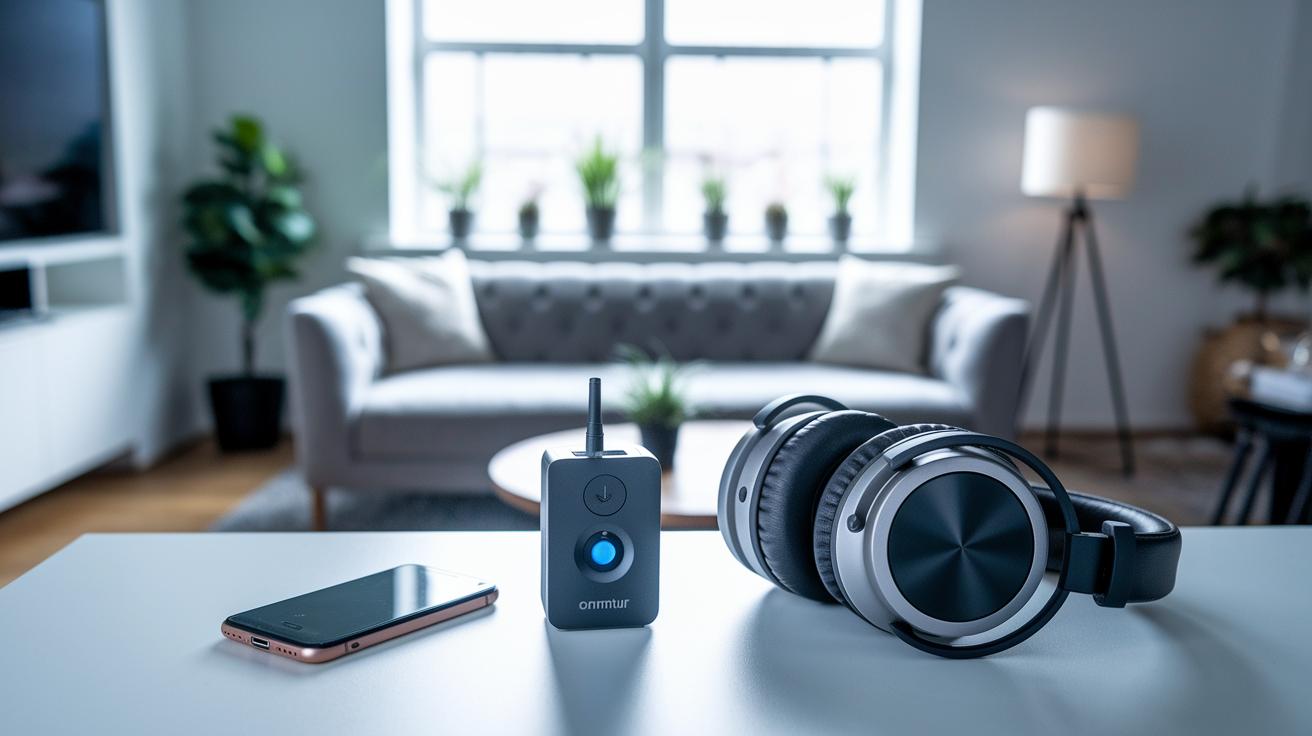
Choosing a Bluetooth transmitter for your headphones is simpler than you might think. You want a device that works right out of the box, no extra apps or complicated setup required. Many of these transmitters come with aptX Low Latency support, which means the sound stays perfectly in sync with your video. Plus, a modern Bluetooth version like Bluetooth 5.2 boosts the connection, and a compact design makes it easy to carry wherever you go.
- Codec support: aptX Low Latency helps keep the audio in sync without any lag.
- Bluetooth version: Newer standards, like Bluetooth 5.2, offer a more stable connection.
- Battery life: Some models offer up to 16 hours of uninterrupted use.
- Connector type: Options include a 3.5 mm jack, RCA, or even optical, so it fits many setups.
- Pairing modes: Enjoy the flexibility of connecting more than one audio device at a time.
- Range: Expect strong performance up to 30 meters (100 feet) when conditions are clear.
- Portability: The sleek, compact design means you can take it anywhere effortlessly.
Put it all together, and these features make for smooth and reliable performance. A transmitter with solid codec support and the latest Bluetooth technology keeps your audio clear and in perfect sync. With extended battery life, a variety of connectors, and multiple pairing options, this little device adapts easily to your everyday lifestyle.
Comparing Top Bluetooth Transmitters for Headphones: Reviews & Specs
Looking for a way to enjoy crisp, clear sound without any fuss? When you’re shopping for a portable Bluetooth emitter, it really helps to compare the must-have features. Let’s chat about some favorite models that suit different needs.
You might want to check the Bluetooth version to make sure you get a steady signal, or consider battery life so you can stream longer without recharging. There’s also dual-streaming support if you want to share your tune with a friend, and of course, the price matters too. For example, the iMii Miilink Bluetooth 5.2 Transmitter Receiver mixes modern tech with a budget-friendly tag, making it a great match for newer gadgets.
Then there’s the RHA Wireless Flight Adapter. It offers a solid 16-hour battery life, perfect if you’re traveling on long flights or just love listening on the go. The TwelveSouth AirFly is super compact, so it’s easy to tuck into any bag without taking up much space. If you’re on a tight budget, the TaoTronics Transmitter/Receiver covers the basics at a very competitive price.
Want something reliable with everyday use? The Aisidra V5.0 should do the trick with its steady connectivity. And if you need a versatile option to use with TVs, PCs, or even home theaters, the TROND Bluetooth 5.0 Transmitter Receiver is a smart pick. Plus, the Auris unit stands out thanks to low latency audio and the fun bonus of two-device streaming, so you can pair with two headsets at the same time.
| Model | Bluetooth Version | Battery Life | Dual-Streaming Support | Price | Recommended Use |
|---|---|---|---|---|---|
| iMii Miilink | 5.2 | N/A | No | $29.99 | Modern devices |
| RHA Wireless Flight Adapter | 5.0 | 16 h | No | $49.95 | Air travel |
| TwelveSouth AirFly | 5.0 | N/A | No | $34.99 | On-the-go streaming |
| TaoTronics T/R | 5.0? | N/A | No | $15.80 | Budget-friendly |
| Aisidra V5.0 | 5.0 | N/A | No | $39.99 | Everyday connectivity |
| TROND T/R | 5.0 | N/A | Yes | $24.99 | Multi-use setups |
Each of these transmitters brings something unique to the table. Whether you’re setting up for a long flight or connecting at home, you can find an option that fits right into your lifestyle. Enjoy exploring your audio choices and happy listening!
Setting Up and Pairing Your Bluetooth Transmitter for Headphones
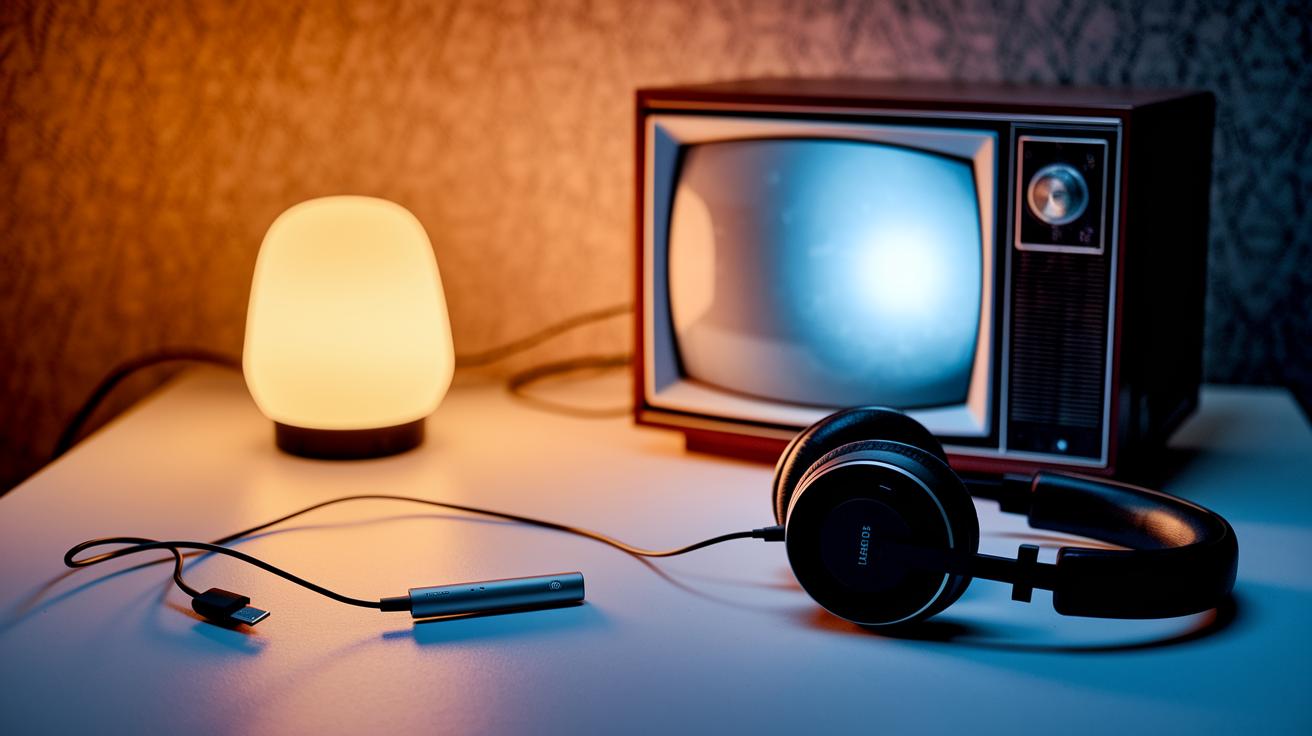
Start by connecting your transmitter to your device's audio output. You might use a 3.5 mm jack, RCA port, or optical input, whatever fits best. Plug it into your TV, PC, or stereo system and hook it up to a power source, whether through USB, AC, or its internal battery. This simple step gets your audio companion ready to link up with your headphones.
Next, flip the transmitter into pairing mode. You could see a blinking light or hear a soft sound that tells you it's ready to be found. Then, switch on your headphones' Bluetooth feature; often, this means holding the power button until a flashing light appears. As your headphones search for devices, find your transmitter on the list and select it.
Once everything connects, listen for that crisp, clear audio or watch for a steady light to know it's all set up. If you run into issues because the transmitter remembers previous connections, clear the memory or do a quick reset so everything starts fresh.
Now you’re all set to enjoy smooth, wireless sound that makes every moment more enjoyable.
Ensuring Compatibility: Bluetooth Transmitter for Headphones with TVs, PCs, Car Stereos & More
When you hook up your Bluetooth transmitter to non-Bluetooth devices, it's all about matching the right audio output to your gadget. For your TV, start with the optical audio output or a trusty 3.5 mm jack. If your TV only offers HDMI, try an HDMI audio extractor to pull out the sound. This trick keeps your digital audio neat and crisp for your wireless over-ear headphones. Sometimes, using an analog connection can give you that warm, original vibe, even if it misses a few tiny details. And hey, keeping the transmitter clear of walls, Wi-Fi routers, and other electronics really helps boost performance.
For your PC, the process is just as friendly. Simply plug the transmitter into the headphone jack or USB audio output, and it turns digital or analog signals into Bluetooth sound. With this setup, even an older system becomes a modern, wireless-friendly audio hub. Now, if you're planning to use a transmitter in your car, a Bluetooth FM modulator is the way to go. It plugs into your car's power outlet and lets you pick a clear FM channel for smooth sound. This means you get the classic feel of your car stereo with the extra bonus of wireless audio, perfect for when you want to use wireless headphones with a microphone for hands-free fun. Picking the right connection and steering clear of interference is the secret to enjoying great sound every time.
Troubleshooting Your Bluetooth Transmitter for Headphones: Common Issues & Fixes
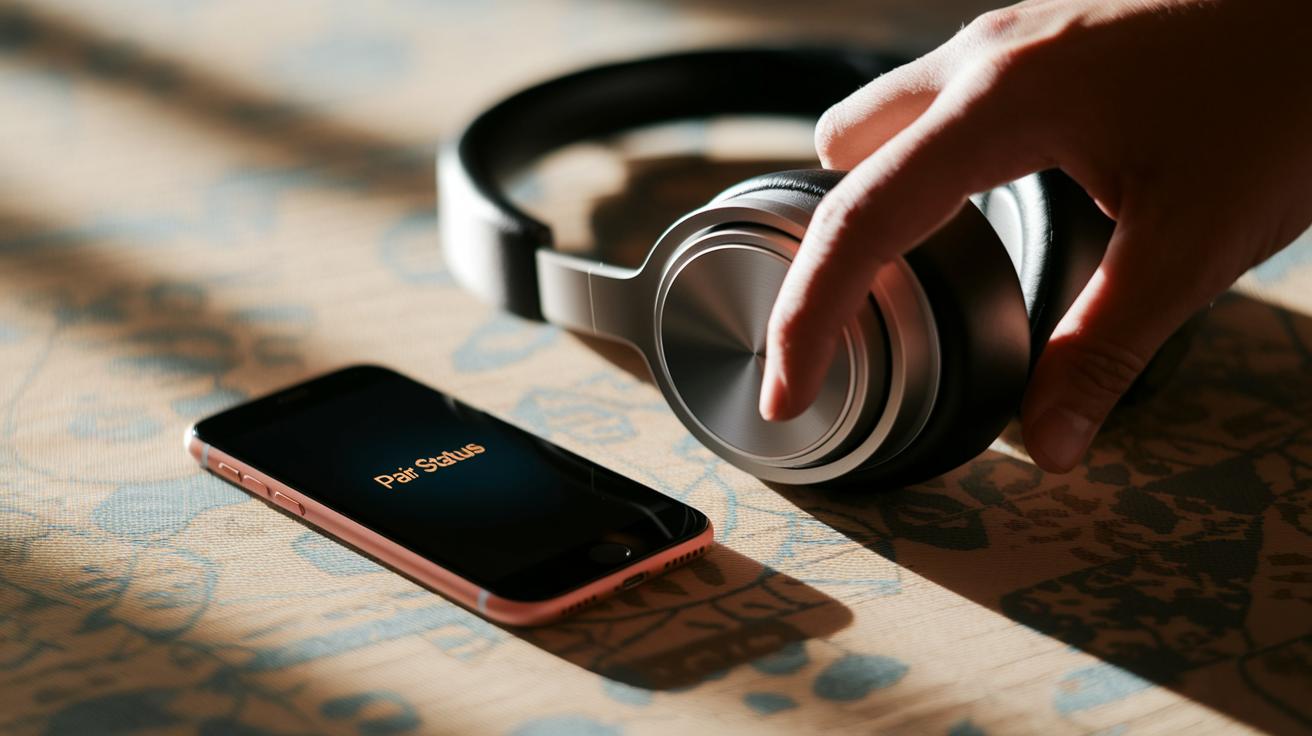
If your Bluetooth transmitter acts up, don’t worry, you can fix it with a few simple steps. When your wireless gear isn’t playing nice, the first step is to narrow down what’s wrong so you can get back to smooth, lag-free streaming.
Sometimes, your device might struggle to pair. If it won’t connect, try clearing out the pairing history or resetting the transmitter. This often clears up glitches that creep in after repeated use.
Another common hiccup is audio delay. If you notice the video and sound aren’t in sync, double-check that your unit supports aptX Low Latency. And it’s best to keep your device within about 30 meters (or 100 feet) to prevent any lag.
- Pairing issues: Remove stored connections or reset the device.
- Audio latency: Enable aptX Low Latency mode and keep the gadget close.
- Signal dropouts: Reposition the transmitter away from metal objects, thick walls, or busy Wi-Fi routers.
- Battery drain: Keep an eye on the battery level and recharge regularly to avoid losing power mid-stream.
- FM interference: If you’re using a modulator in your car, try a different FM channel.
- Firmware problems: Look for firmware updates and install them to keep things running smoothly.
By tackling these steps one by one, you can get your Bluetooth transmitter back on track with crisp, seamless audio. Give it a try, and you might just find that fixing these issues makes your streaming experience so much better!
Final Words
In the action of exploring how a bluetooth transmitter for headphones works, we broke down its signal conversion, pairing steps, and key specs like Bluetooth version, codec support, and effective range.
We also highlighted must-have features, compared top models, and walked through setup procedures for various devices. The guide even covered common issues and fixes, helping you feel secure and confident.
Positive vibes and clear steps make choosing the right wireless audio solution a breeze. Enjoy seamless and safe shopping every time.
FAQ
Best bluetooth transmitter for headphones
The best bluetooth transmitter for headphones offers low latency, extended range, and easy pairing while supporting various connections like 3.5 mm, RCA, and optical for a smooth wireless audio experience.
Bluetooth transmitter for headphones amazon
A bluetooth transmitter for headphones available on Amazon undergoes customer reviews and competitive pricing, helping you pick a device that delivers aptX Low Latency and reliable wireless audio streaming.
Bluetooth transmitter for headphones nearby
A nearby bluetooth transmitter for headphones provides the convenience of in-person purchase with supportive features like easy pairing, robust range, and seamless setup for your wireless audio needs.
Bluetooth transmitter for headphones walmart
A bluetooth transmitter for headphones at Walmart combines affordable pricing with user-friendly features such as dual-stream support and plug-and-play connectivity, making it perfect for upgrading your audio setup.
Bluetooth Transmitter for TV
A bluetooth transmitter for TV converts analog or digital audio into wireless signals, ensuring low latency and dual-stream support that lets you enjoy sound without messy cables.
Bluetooth headphone jack Transmitter and Receiver
A bluetooth headphone jack transmitter and receiver works both ways, converting audio signals for sending and receiving, so you can enjoy clear, uninterrupted wireless sound from your headset.
Bluetooth Adapter for wired headphones
A bluetooth adapter for wired headphones transforms your traditional set by attaching a compact receiver that converts analog audio into a wireless signal, giving you freedom and modern connectivity.
Bluetooth Transmitter and Receiver
A bluetooth transmitter and receiver serves a dual purpose by sending and receiving audio signals, thus enabling easy conversion of audio outputs into a wireless format for versatile sound sharing.
Do Bluetooth transmitters work with headphones?
Bluetooth transmitters work with headphones by converting analog or digital signals into Bluetooth, allowing your wired headphones to function wirelessly and stream high-quality audio.
What is the difference between a Bluetooth adapter and a transmitter?
A bluetooth adapter converts wired audio into a wireless signal, while a transmitter is designed to send audio from non-wireless sources, both helping bridge the gap between old and modern audio systems.
How to turn any headphones into Bluetooth?
Turning any headphones into Bluetooth involves plugging in a compact adapter into the headphone jack, which converts the analog signal to a wireless one, letting your headphones pair with any Bluetooth device.
Can a Bluetooth transmitter connect to multiple headphones?
Certain bluetooth transmitters support multi-device pairing, enabling them to connect to multiple headphones simultaneously so you can share audio streams with several devices at once.